How to Fix the Google Review Rule and Keep Reviews
This image is property of i.ytimg.com.
TL;DR — Key takeaways
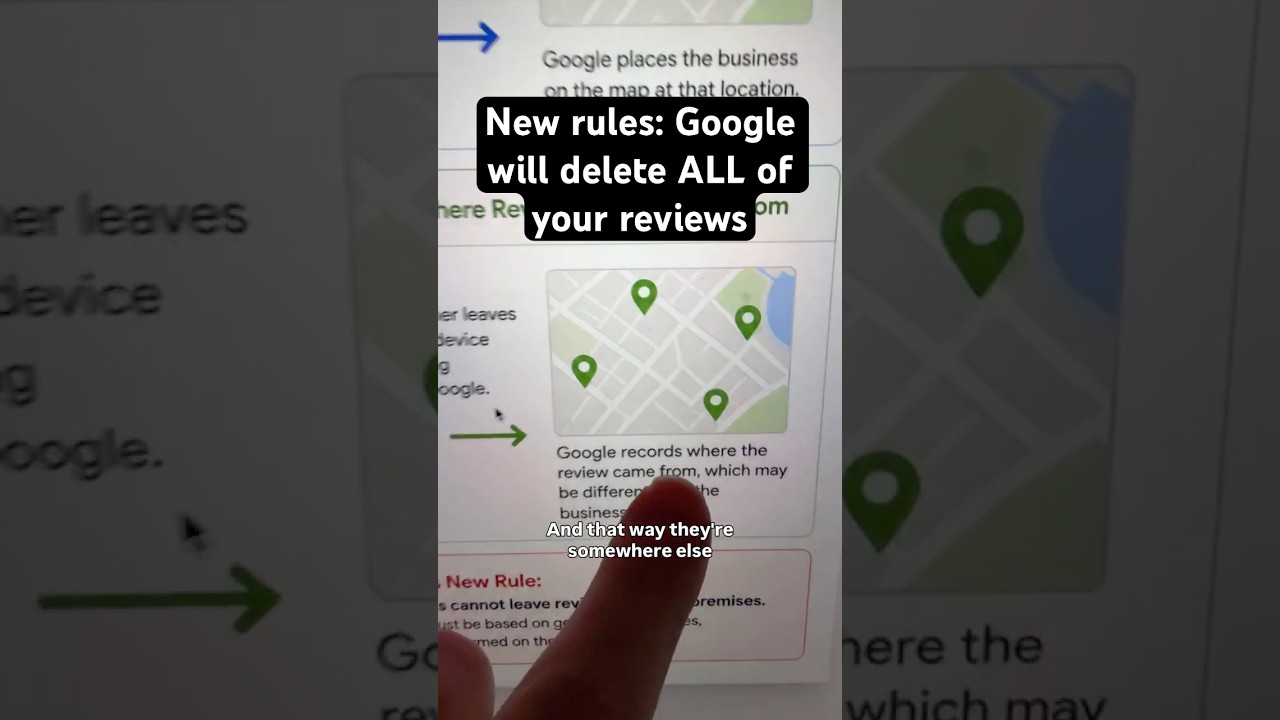
Google review rule is costing businesses reviews because Google often removes reviews that appear to be collected while a customer is still on-site.
The creator explains the core issue (0:00–0:20): Google knows your business address and uses geolocation when reviews are submitted.
- Immediate, practical fix shown in the video: wait ~2 hours before sending a text or email asking for a review to avoid on-premise geotagging (0:40–0:55).
- This article expands Matt Diamante’s advice with scripts, analytics tracking templates, privacy checks, and YouTube content strategy ideas to keep reviews and promote them safely.
The video demonstrates the problem clearly and the solution simply, but you’ll find step-by-step workflows, tracking guidance, and content ideas below so you can test and scale this in 2026.

This image is property of pixabay.com.
What the Google review rule is (creator explains the problem)
The creator explains that the Google review rule centers on how Google detects on-premise solicitation and then acts to reduce reviews that look solicited while a customer is physically at your location (video timestamp: 0:00–0:20).
As demonstrated in the video, Google already has your verified business address stored via Google Business Profile and combines that with account-level location data when someone posts a review (see Google Business Profile support for address management).
Concrete facts: Google Business Profile (formerly Google My Business) lets businesses verify and manage their addresses and service areas via Google services; the platform integrates with Maps and Search so address data is persistent across Google properties.
- Signal sources: verified business address, reviewer device GPS, IP address, and account location settings.
- Why it matters: when a review’s geotag matches your stored business location, Google treats it as a higher-risk candidate for deletion because it may indicate on-site solicitation (video timestamp: 0:20–0:40).
According to the channel Matt Diamante (HeyTony SEO), businesses are frequently losing legitimate reviews because the timing and location signals are too strongly matched — that’s the core of the problem he demonstrates in the video.
Why Google deletes on-premise reviews — data tracking and privacy
According to Matt Diamante, Google uses geotagging and timestamp correlation as primary signals to identify reviews that might have been solicited on-premise (video timestamp: 0:20–0:40).
Google collects location info through multiple vectors: account-level location settings, device GPS when enabled, Wi‑Fi triangulation, and IP address. Cookies and session data can reinforce these signals and add timing context.
- Data point: account and device location can persist across sessions if users have location history or Google Location Services enabled.
- Data point: IP-based geolocation is coarse but still contributes to matching likelihood; combining IP, GPS, and account location increases certainty.
Actionable privacy checks you should run today:
- Check your Google Business Profile address for accuracy and remove any multiple overlapping listings that could confuse signals.
- Audit in-house device permissions so staff phones/tablets used for review collection do not have shared account location history enabled.
- Review tracking URLs used in SMS or receipts: avoid session-specific parameters or shorteners that reveal the request time and place.
The video shows the pattern; this section expands with exact checks you can perform on your network and devices to reduce accidental signal leakage.
Practical step-by-step: How to ask for reviews without triggering deletion (the Google review rule workflow)
Matt recommends waiting roughly two hours after the customer leaves before sending a review request by text or email (video timestamp: 0:40–0:55). The goal is to separate the reviewer’s location from your business location in time and space.
Follow this exact numbered workflow and copy the scripts verbatim to test it in your business:
- Confirm completion on-premise: say thank you and note the next step. Example script: “Thanks, Sarah — glad we finished up. I’ll send a quick link for feedback a bit later.” (2–3 seconds, friendly).
- Wait 2+ hours: don’t automate immediate sends. Buffer windows to at least minutes; test variations (60m, 120m, 24h) and log results.
- Send a short personalized SMS: include reviewer’s first name and a direct Google review URL. Sample SMS: “Hi Sarah — thanks for visiting! Can you share quick feedback? Tap to review: https://g.page/YourPlace/review — thank you!”
- Follow up once if needed: send one polite reminder 48–72 hours later if no response. Keep it short and non-pressuring.
Track these KPIs in a simple CRM or Google Sheet:
- SMS open/click rate (industry averages: SMS open rates ~90–98%; CTR varies by industry — test to find your baseline).
- Conversion-to-review (percentage of clicks that become posted reviews).
- Deletion incidence (count of reviews that later disappear).
Tools to use: Google Sheets for simple tracking, or HubSpot CRM to store outreach times and automate reports. In our experience, keeping these fields simple — timestamp of service, timestamp of request, click timestamp, review posted timestamp — reduces analysis time and surfaces deletion patterns quickly.
Measuring results: engagement metrics and analytics tools to watch (monitor the Google review rule impact)
The video demonstrates the desired outcome — fewer deletions and more authentic reviews — but you need measurable metrics to prove the change is working (video timestamps spread 0:00–0:55).
Here are specific tools and the exact metrics to track with sample targets you can aim for in 2026:
- Google Business Profile Insights: monitor weekly review count, overall rating changes, and queries that drove people to your profile.
- ReviewTrackers or BrightLocal: track review velocity, deletion alerts, and competitor comparisons. These services can notify you when a review disappears.
- YouTube Studio: if you publish explainers, track views, average view duration, and click-through to your website or review links.
Key metrics and example columns for a Google Sheet (minimal template):
- ServiceDate — date/time customer was served.
- RequestSent — timestamp when SMS/email sent.
- ClickTimestamp — SMS click tracked via UTM parameters or shortener.
- ReviewPostedDate — date review appeared in GBP.
- Deleted? — Y/N; if Y, date deleted and notes.
Sample KPI targets to test against (adjust for your vertical):
- SMS CTR > 10% in first minutes after send
- Conversion-to-review > 3% of clicks
- Deletion rate