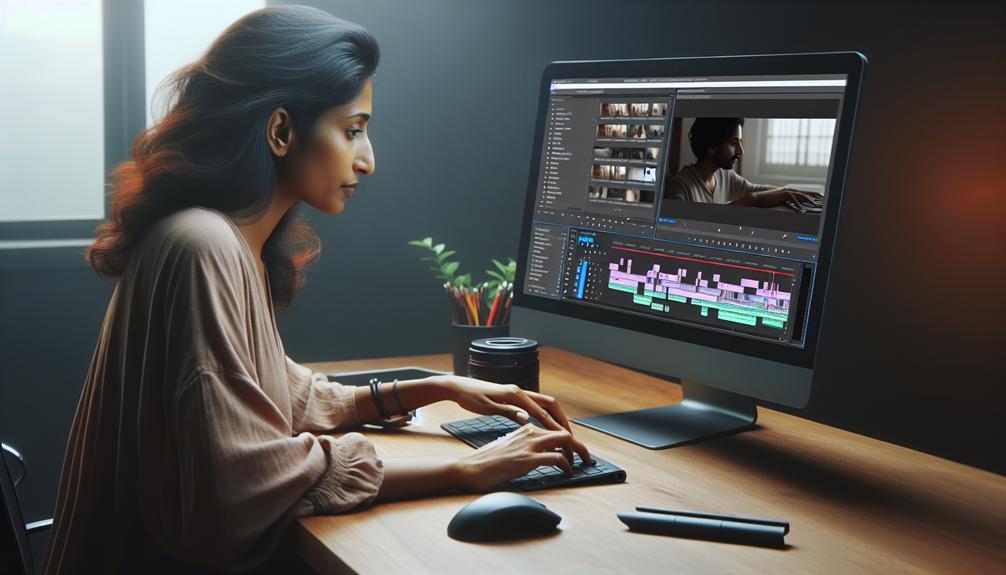
Youtube Video Editing
You're probably familiar with the hours of raw, unedited footage that often result from a single YouTube video shoot, and the perfectly polished final product that viewers love. Yet, the process that bridges these two extremes – YouTube video editing – remains somewhat of a mystery. As a creator, mastering video editing techniques is vital to converting your vision into engaging content that captures viewers' attention. But, what are the essential techniques and tools you need to know? Understanding the answers to these questions can make all the difference in taking your YouTube channel to the next level.
Choosing the Best Video Editor
When selecting a video editor for your YouTube content, start by considering your device type and whether you'll be working on a desktop, phone, or tablet, as this can greatly affect the software that best suits your needs. For instance, professional software like Adobe Premiere is ideal for desktops, whereas mobile apps like Cap Cut work well on phones and tablets.
Next, assess your budget, as some editors offer one-time fees whereas others operate on subscription models. Consider what features you need for your video project, such as sophisticated video editing tools or simple drag-and-drop functionality. Look for a free YouTube video editor or online video editor that offers customizable video templates, user-friendly interfaces, and stock videos to improve your content.
Prioritize editors that support high-quality exports without watermarks, especially if you plan to share your content on YouTube. A user-friendly interface with available tutorials can likewise ease the learning curve for beginners. By considering these factors, you'll find the perfect video editor that fits your budget and meets your video editing needs, enabling you to create high-quality content for your YouTube audience.
Mastering Video Editing Techniques
Now that you have a video editor that suits your needs, it's time to focus on the techniques that will improve your YouTube content, starting with the basics of cutting, trimming, and splitting clips to create a cohesive narrative. Mastering these fundamental tools will allow you to craft engaging YouTube videos that maintain viewer engagement. Utilize jump cuts and B-roll footage effectively to provide context and maintain a lively visual flow throughout the video. This will not only add variety but also keep your audience engaged.
Don't forget to incorporate audio elements, such as royalty-free music and sound effects, to raise the emotional impact of your content. You can likewise experiment with typography effects and graphic animations to make your videos more visually appealing and help highlight key messages or branding. Incorporating stock music can likewise raise the production quality of your YouTube videos. By mastering these video editing techniques, you'll be able to refine your content and guarantee it resonates with your audience. Regularly seek feedback and review your edits objectively to further refine your video editing skills.
Enhancing Video Content Quality
Quality is key to elevating your YouTube videos from mere content to engrossing experiences that resonate with your audience. One way to achieve this is by utilizing a royalty-free stock library that includes HD videos and music. This will greatly improve the overall quality and professionalism of your video content.
To further improve your video content quality, consider the following:
- Brand consistency: Use a brand kit to maintain a consistent identity across all your video content, including YouTube thumbnails and social media posts. This will help promote brand recognition and build trust with your audience.
- Engaging elements: Add engaging elements like emojis and GIFs to capture viewers' attention and make your content more relatable and entertaining.
- Professional outro templates: Use pro outro templates to prompt subscriptions and further interaction, effectively increasing the likelihood of audience loyalty.
As a video maker, you can likewise use AI-powered editing tools to add voiceovers and subtitles, improving accessibility and viewer engagement. Moreover, you can add text to highlight key points or provide context. By incorporating these elements, you can create high-quality video content that resonates with your audience and sets you apart on YouTube and social media.
Creating Engaging YouTube Videos
Creating engaging YouTube videos involves more than just presenting information – it's about crafting an immersive experience that draws viewers in and keeps them watching. To achieve this, you'll want to start by designing eye-catching YouTube intros and thumbnails that capture viewers' attention and entice them to click. Utilize stock videos and engaging visuals to boost your content, and don't be afraid to get creative with text animations and shifts to break up video clips.
When editing your video, consider adding music that complements your brand and improves the mood you're trying to convey. You can likewise experiment with different font styles, including your brand fonts, to add a touch of personality to your text overlays. By incorporating these elements, you'll be able to create eye-catching videos that showcase your unique style and voice. Once you've finalized your edit, it's time to upload to YouTube and share your engaging content with the world.
Optimizing Video for YouTube
With your engaging YouTube video edited and finalized, the next step is to improve it for the platform to maximize its reach and impact. This is where refining your video for YouTube comes in. When you create a YouTube video, you want to make certain it corresponds with your brand and YouTube channel. To do this, consider adding consistent elements such as sound effects, color schemes, and stock photos to create a uniform look and feel.
Here are three key ways to refine your video for YouTube:
- Format correctly: Verify your video is formatted correctly by using the recommended aspect ratio of 16:9 and exporting in high-definition (1080p) for the best viewer experience.
- Use keywords tactically: Use relevant keywords in your title, description, and tags to improve findability and search rankings.
- Create engaging thumbnails: Craft engaging thumbnails and titles that accurately represent your content to increase click-through rates and viewer retention.